LIVE Black Friday gaming laptop deals: Dell, Acer, Lenovo, and more have gone early this year

LIVE Black Friday gaming laptop deals: Dell, Acer, Lenovo, and more have gone early this year

Refresh


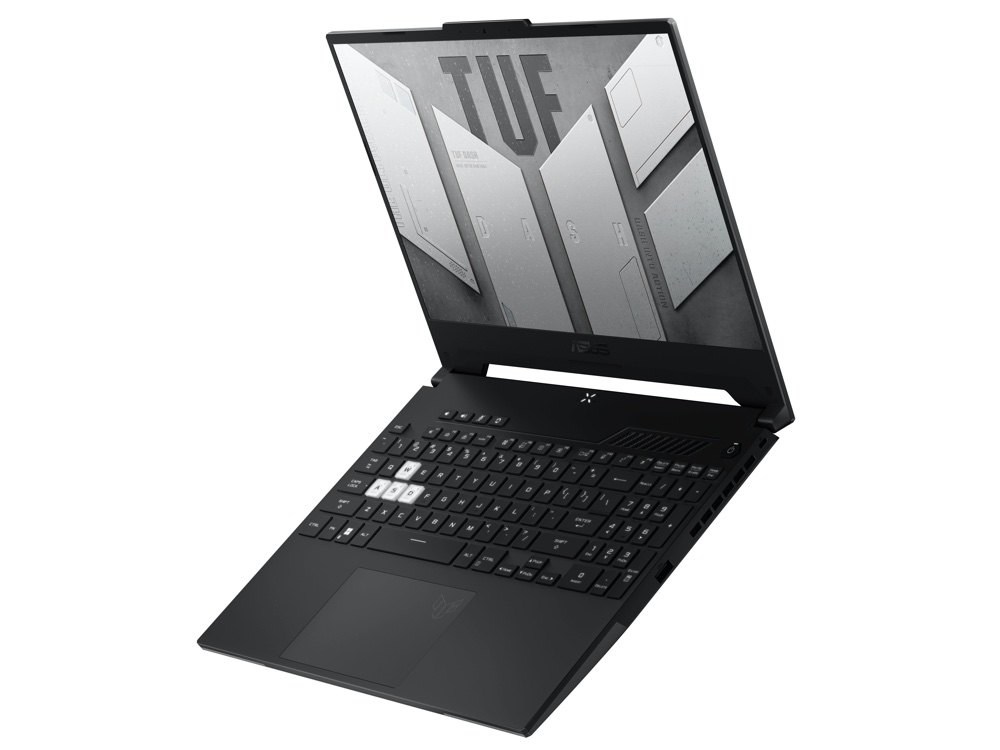
ASUS TUF Dash gaming laptop

(Image credit: ASUS)

Here is another great deal going on during Best Buy’s early Black Friday sale. You can save $500 on a fantastic gaming laptop from the ASUS TUF Dash lineup. That’s a huge chunk of money off a really well-equipped machine. And remember while these deals may stick around through Black Friday, they are unlikely to get any better. Might as well take advantage of what you’re seeing now and grab it while you can. 

The ASUS TUF Dash includes a 12th-generation Intel Core i7-12650H processor, 16GB DDR5 4800MHz RAM, and a 512GB solid state drive. The graphics card is a Nvidia GeForce RTX 3070 GPU, which is a great mid tier graphics card that should be able to play most of your favorite games at the highest of settings. Plus it will all look good on the computer’s 15.6-inch display with 1080p resolution and a 144Hz refresh rate. 
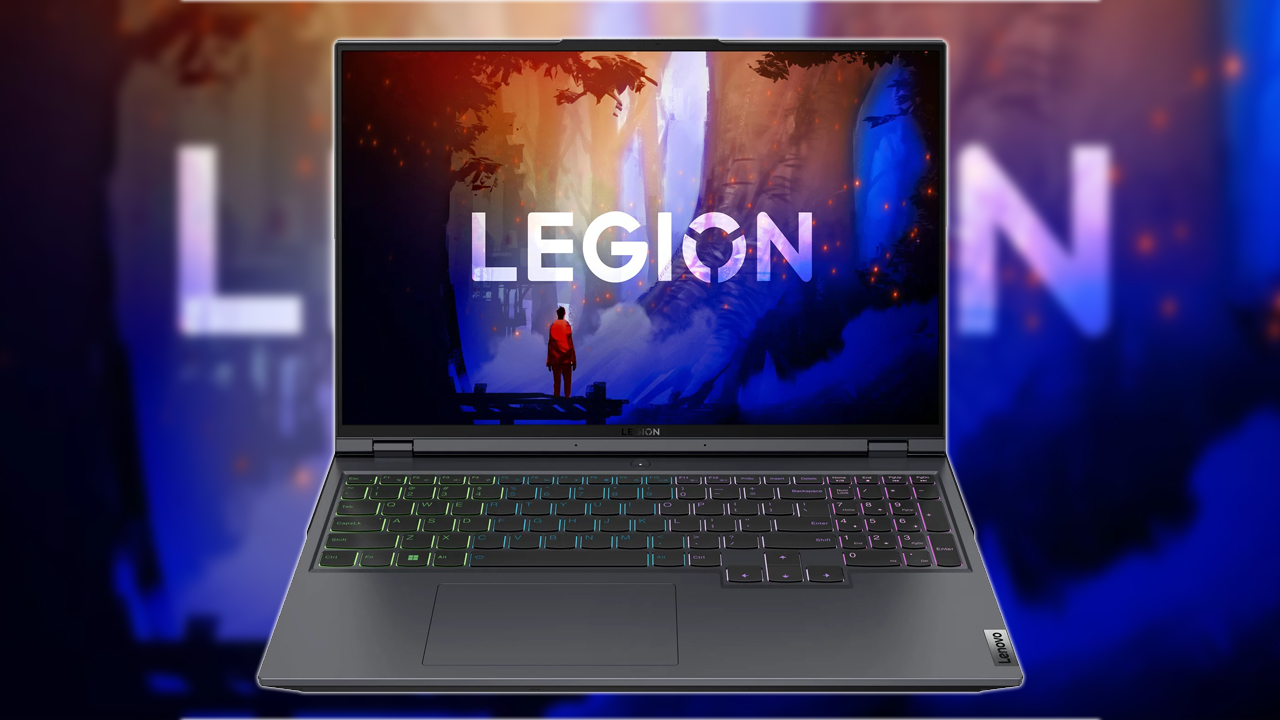

Lenovo gaming laptop

(Image credit: Walmart)

Walmart’s Black Friday Deals for Days event continues as we head into actual Black Friday season. No sense in waiting though because there are some great discounts available today! The Lenovo Legion 5 Pro is a fantastic computer, and you’d be crazy not to latch onto this discount considering it’s such a great low price compared to what it normally goes for.

The Legion 5 Pro includes an AMD Ryzen 7 6800H computer processor, 16GB RAM that can be expanded up to 32GB, and a 512GB solid state drive. It has a Nvidia GeForce RTX 3060 graphics card as well. It has a beautiful 16-inch display with 2560 x 1600 pixel resolution, too, so your games will look fantastic.
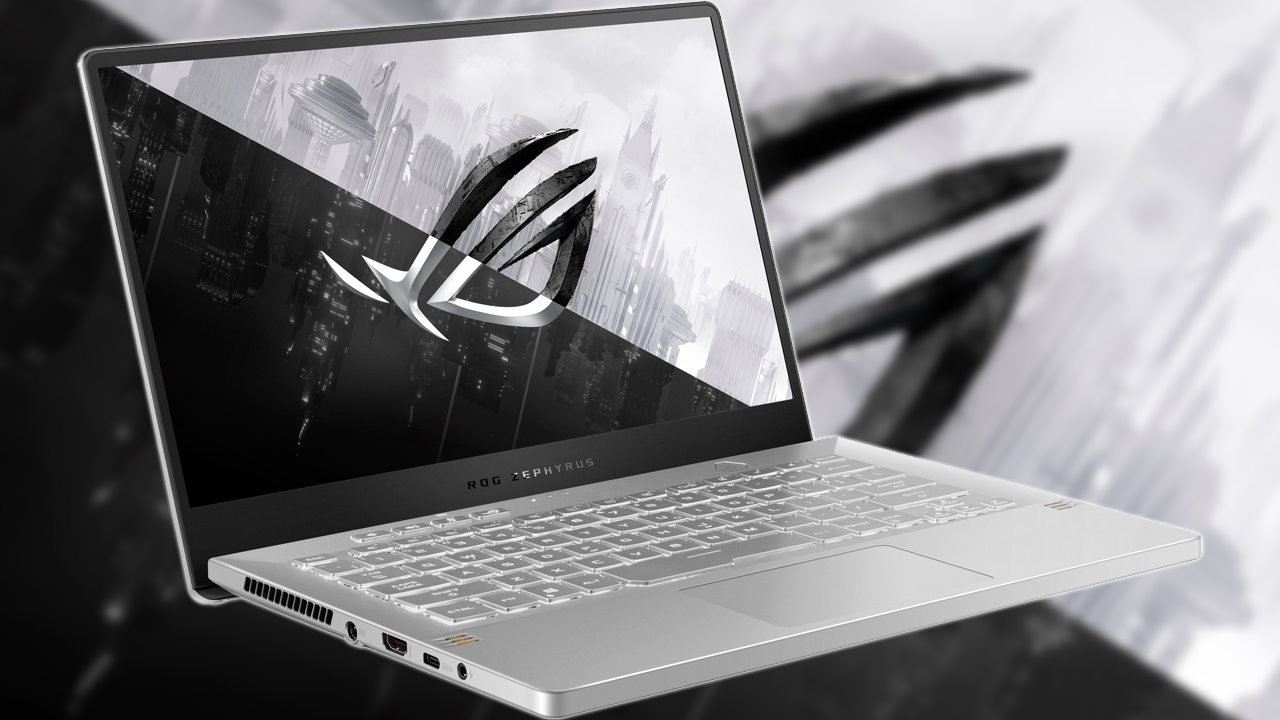

ASUS ROG Zephyrus gaming laptop

(Image credit: Best Buy)

This is another really solid deal out of Best Buy, where you can find a ton of great laptops whether you want a gaming machine or something slicker with Intel Iris Xe graphics or whatever. The Zephyrus lineup is a great one that often has some really nice price drops. 

The technical specs for this machine include an AMD Ryzen 7 processor, 16GB RAM, and a 512GB solid state drive. It is also powered by a Nvidia GeForce RTX 3060 graphics card, which will come in handy when trying to get your games up to the 144Hz refresh rate on the 14-inch display. 

It has a lot of other great features, too, including two USB-C ports and two USB-A ports for connecting all your extras. It also has a four speaker system for excellent audio while playing your favorite games. 
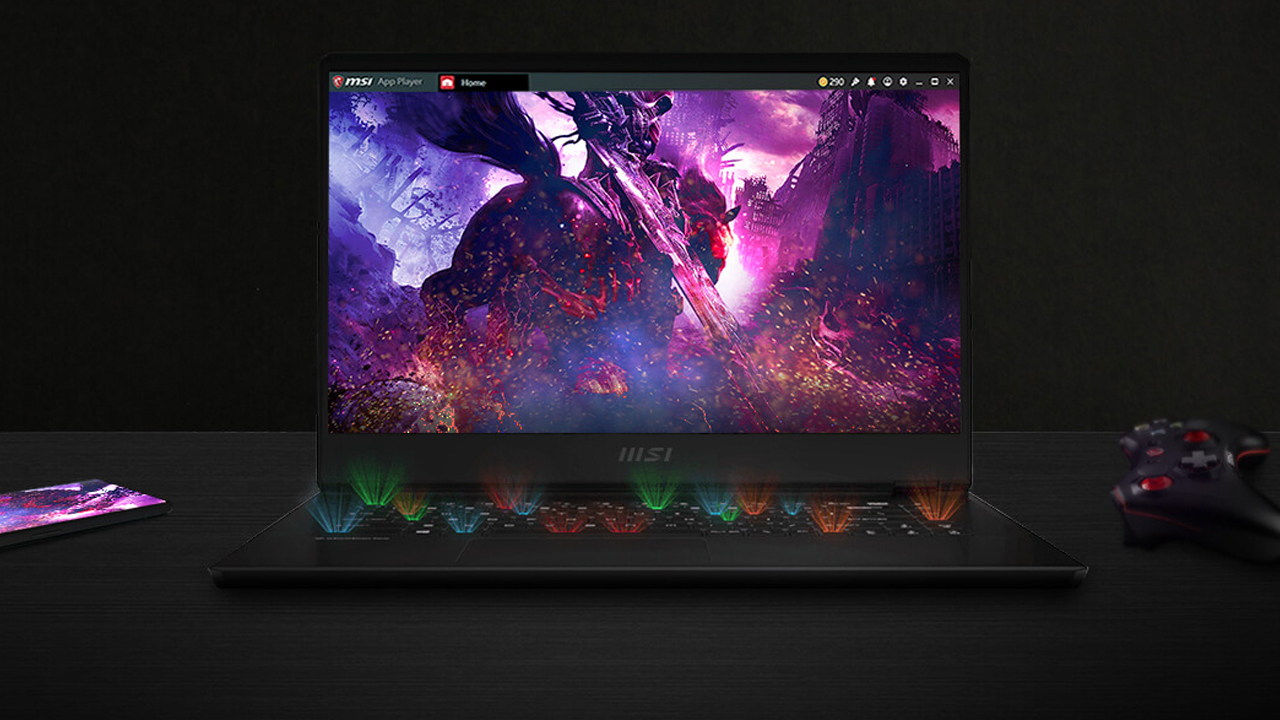

MSI GP66 Leopard gaming laptop

(Image credit: Newegg)

Well, if that last entry was a budget pick, this one definitely is not. It will cost you a few doubloons but the investment may be worth it if you’re looking to go all out on your gaming machine. Plus, you are still saving a huge chunk of change off the laptop’s regular price thanks to Walmart’s Black Friday Deals for Days sale. Heck, even when this laptop has gone on sale in the past it hasn’t dropped this low. 

The MSI GP66 Leopard is a beast of a machine with an 11th-gen Intel Core i7 processor, 16GB RAM, a 512GB solid state drive, and a powerful Nvidia GeForce RTX 3080 graphics card. It has Wi-Fi, Bluetooth, multiple USB ports, and a 15.6-inch display with 1080p pixel resolution. You can expand the RAM and other parts as you want. It even has per-key RGB backlighting on the SteelSeries keyboard. 
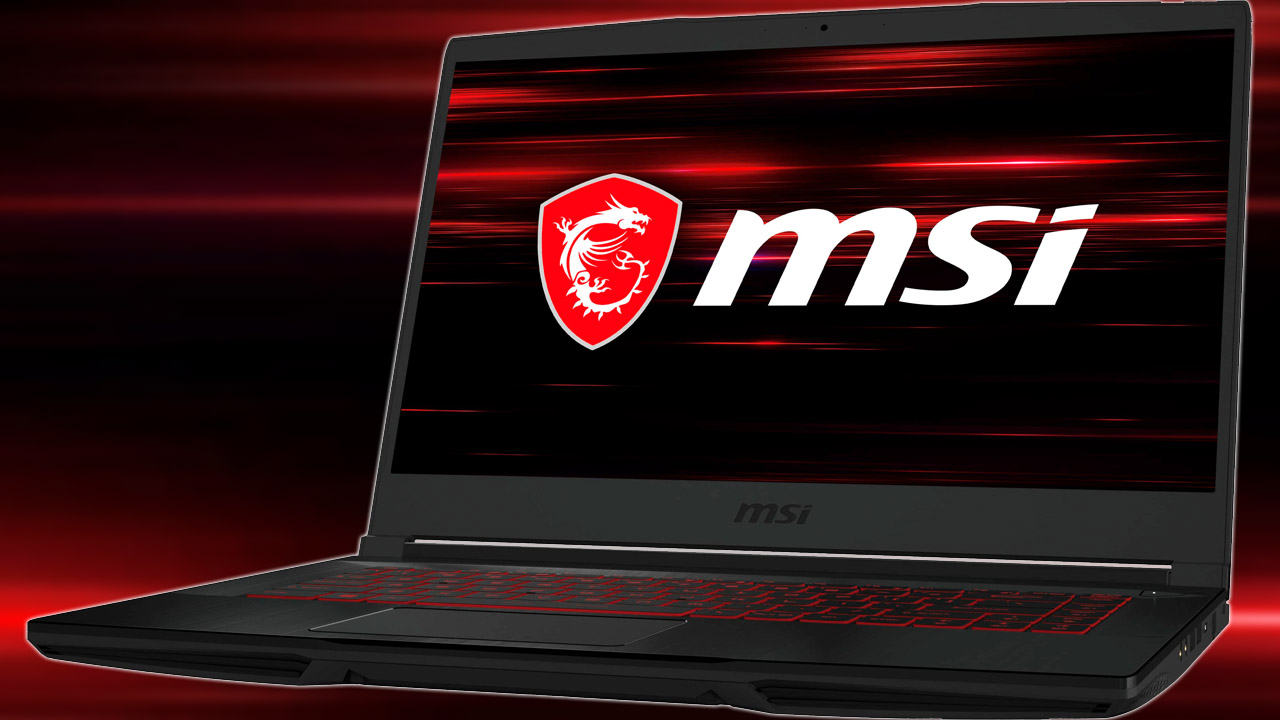

MSI GF63 gaming laptop

(Image credit: Best Buy)

On average, you should expect to pay more for a gaming laptop. Truly high end laptops can cost thousands, and even the mid tier machines can set you back a pretty penny. If you’re shopping on a budget though, you do have options. This is one of those options at an incredibly low price. 

The MSI GF63, even at less than $500, does come with a discrete graphics card, the Nvidia GeForce GTX 1650 Max-Q GPU. That’s a couple of generations behind at this point, but that’s why it’s a budget machine. And it’s still a very good card. Other specs include a 10th-gen Intel Core i5 processor, 8GB RAM, and a 256GB solid state drive. It also has a 15.6-inch display with 1920 x 1080 pixel resolution.
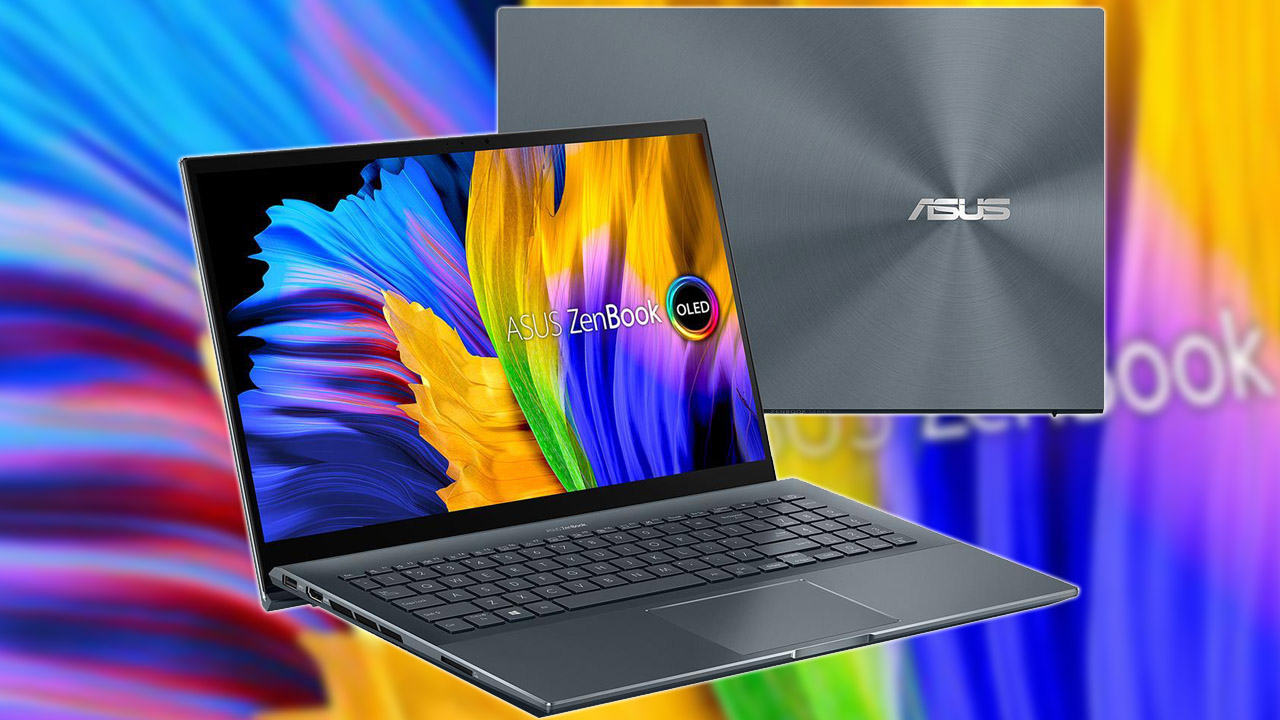

ASUS Zenbook Pro 15 OLED laptop

(Image credit: Newegg)

I’m not sure how long this deal is going to last because it has already expired once. It’s great that it’s back, but don’t expect to get a lot of time to think on it. This is a fantastic price for a laptop that not only includes a discrete graphics card but an OLED panel on its beautiful display as well. 

What you get is an AMD Ryzen 7 5800H processor, 16GB RAM, and a 1TB solid state drive with NVMe technology for fast read/write times. It also has a Nvidia GeForce RTX 3050 Ti graphics card. The 15.6-inch display uses an OLED panel and has 1080p resolution along with touchscreen support.

Extra features include a USB-C and USB-A port, Wi-Fi and Bluetooth, and a media card reader.
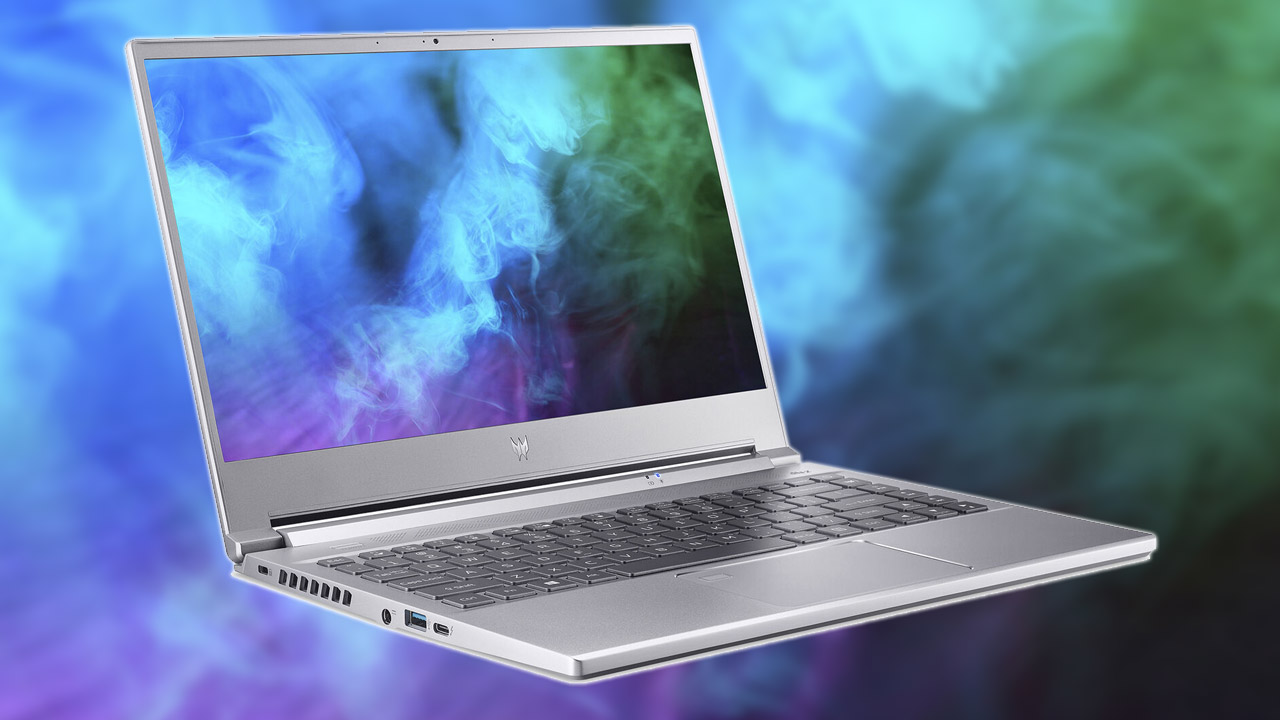

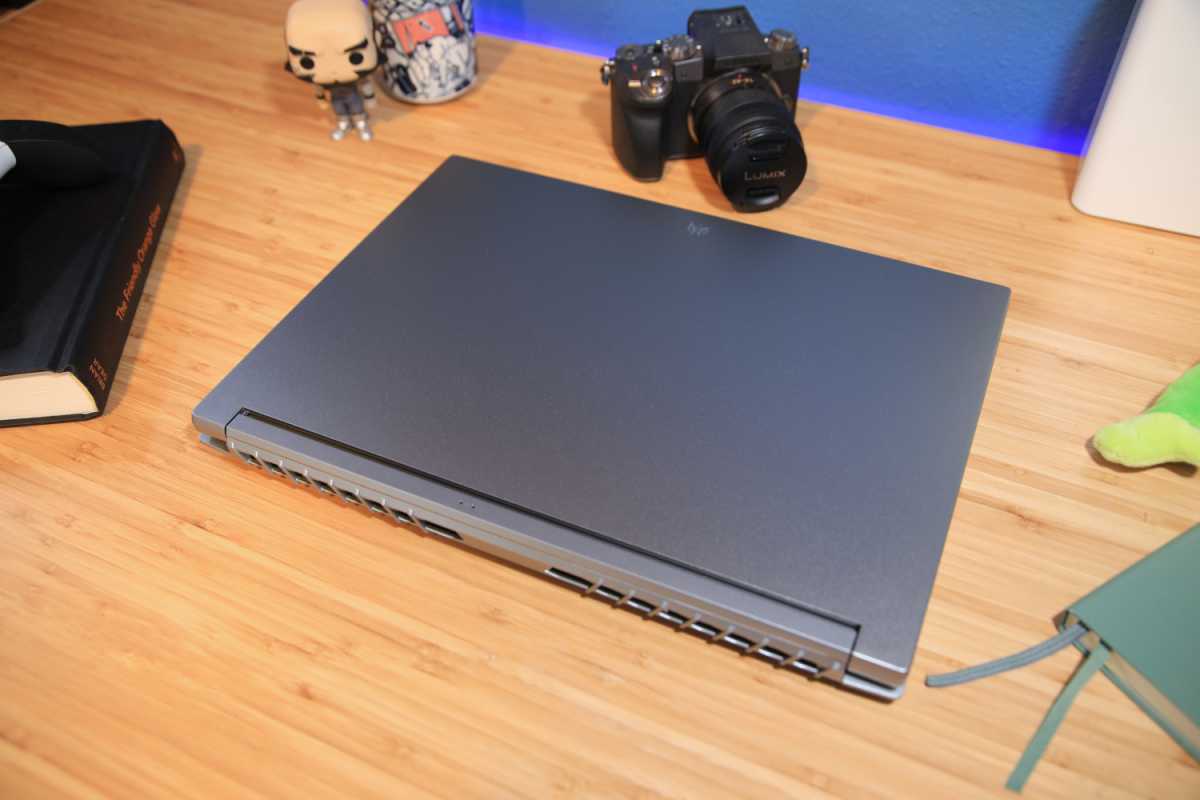
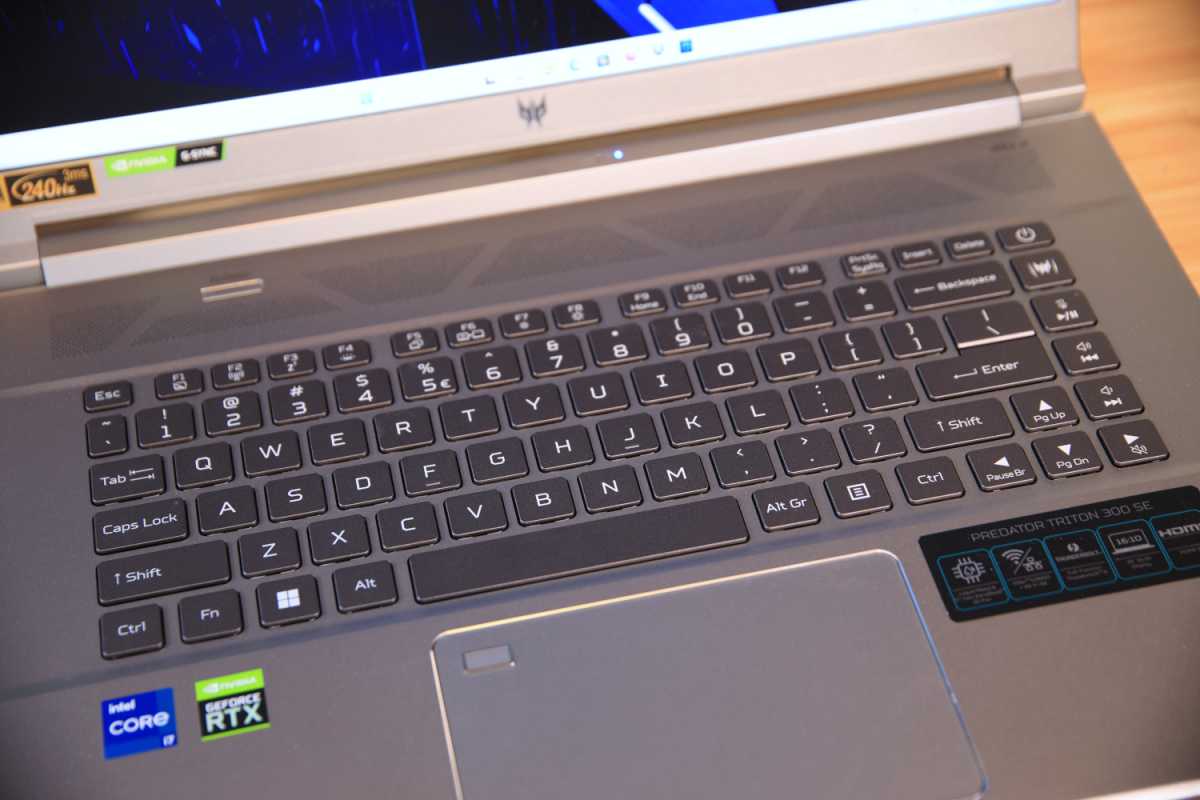
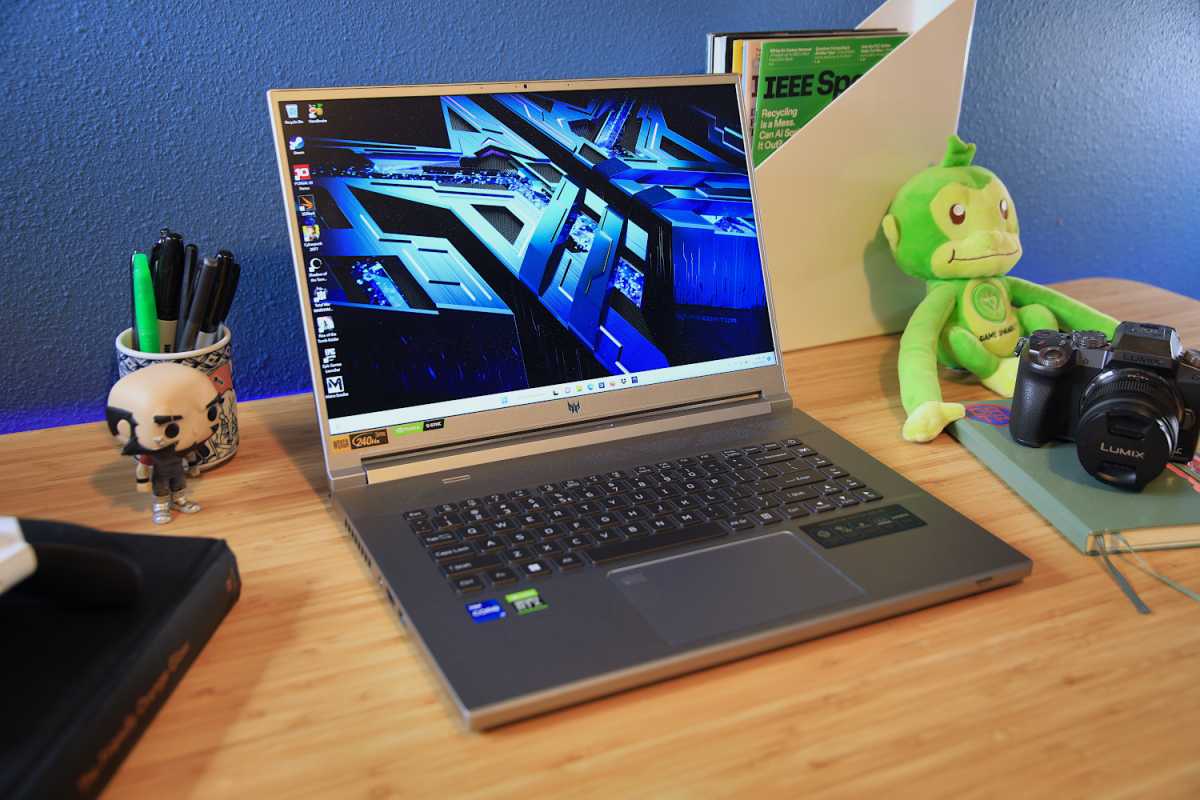
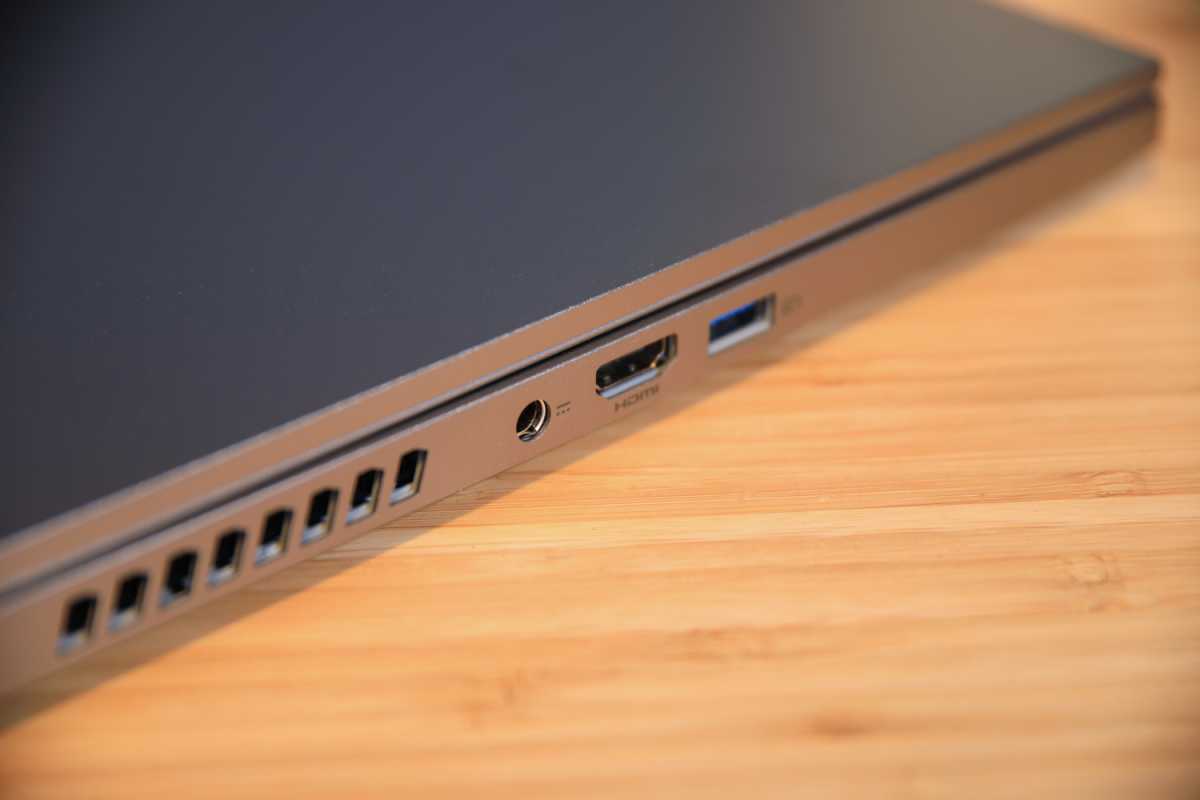
Acer Predator Triton 300 SE laptop

(Image credit: Acer)

Want to learn about one of the better open secrets when it comes to looking for great deals on gaming laptops and other kinds of tech? It’s eBay. Did you know a huge chunk of retailers and manufacturers have official eBay storefronts where they often sell things they can’t sell through their main pages? Or, at the very least, make the eBay store makes it a lot easier to see everything in one place. This deal, for example, comes from the official Acer page where they share refurbished units. In this case, it’s already discounted because it’s a refurb and then it has a bonus discount on top of that to bring it as low as we’re seeing it right now.

The Acer Predator Triton 300 SE gaming laptop is a fully loaded machine with an Intel Core i7 processor, 16GB RAM, and a 512GB solid state drive. It’s powered by a Nvidia GeForce RTX 3050 Ti graphics card and has a 14-inch display with 1080p resolution and an IPS panel. 
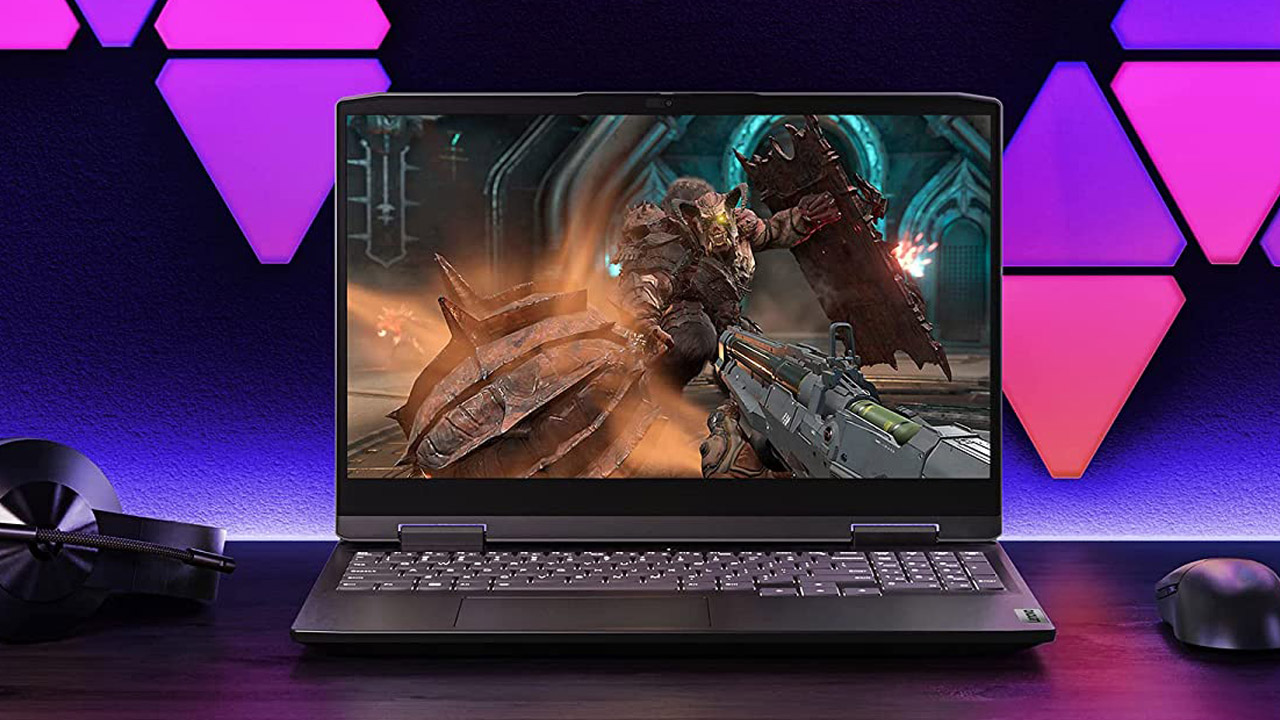

Lenovo IdeaPad 3 gaming laptop

(Image credit: Amazon)

I love a good bang-for-your-buck sort of deal, that’s what this is. It’s hard to find laptops that specifically have discrete graphics cards for less than $700. They usually don’t drop that low unless they’re on sale like this one is. You get a lot of value here, especially if you want a gaming laptop while on a budget.

This is also a 2022 model so it has some very new tech inside of it. You get an AMD Ryzen 5 6600H processor, 8GB DDR5 RAM, a 256GB solid state drive, and a Nvidia GeForce RTX 3050 graphics card. It has a 15.6-inch display with a 120Hz refresh rate. 

It’s also worth noting this laptop comes with three months of Xbox Game Pass for free so you’re going to get to play a lot of awesome games at no extra cost. At least for a while. 
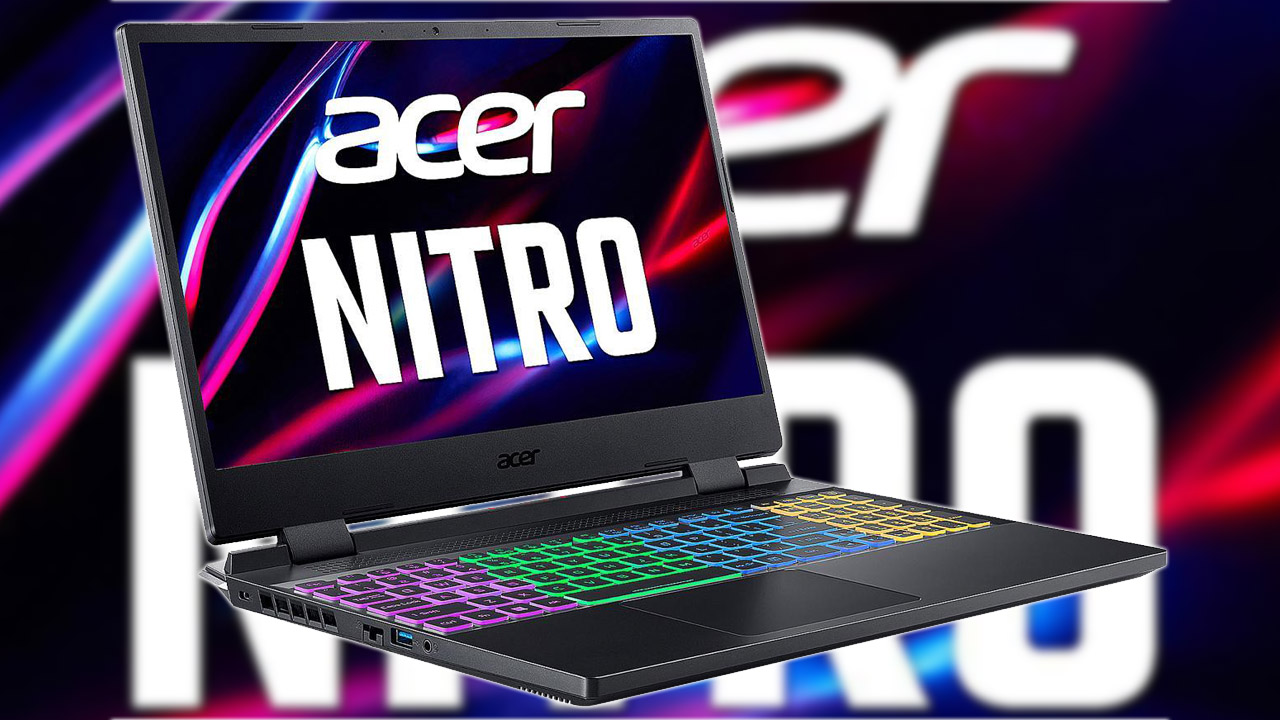

Acer Nitro gaming laptop

(Image credit: Newegg)

Plenty of sites, including Newegg, are advertising some early Black Friday deals. This sale, however, comes from the Newegg Shell Shockers, which are daily deals that rotate out quite frequently. The savings available here will disappear by this time tomorrow so you’ll want to grab it while you can if you’re interested. 

The Acer Nitro 5 is a great laptop that we’ve answered some gaming questions about and found it worked well. This model is even more powerful than the ones we’ve tested before. The technical specs include an Intel Core i7 processor, 16GB DDR4 RAM, a 512GB solid state drive, and a Nvidia GeForce RTX 3070 GPU. You also get a 15.6-inch laptop with a 165Hz refresh rate, which is great for gaming.
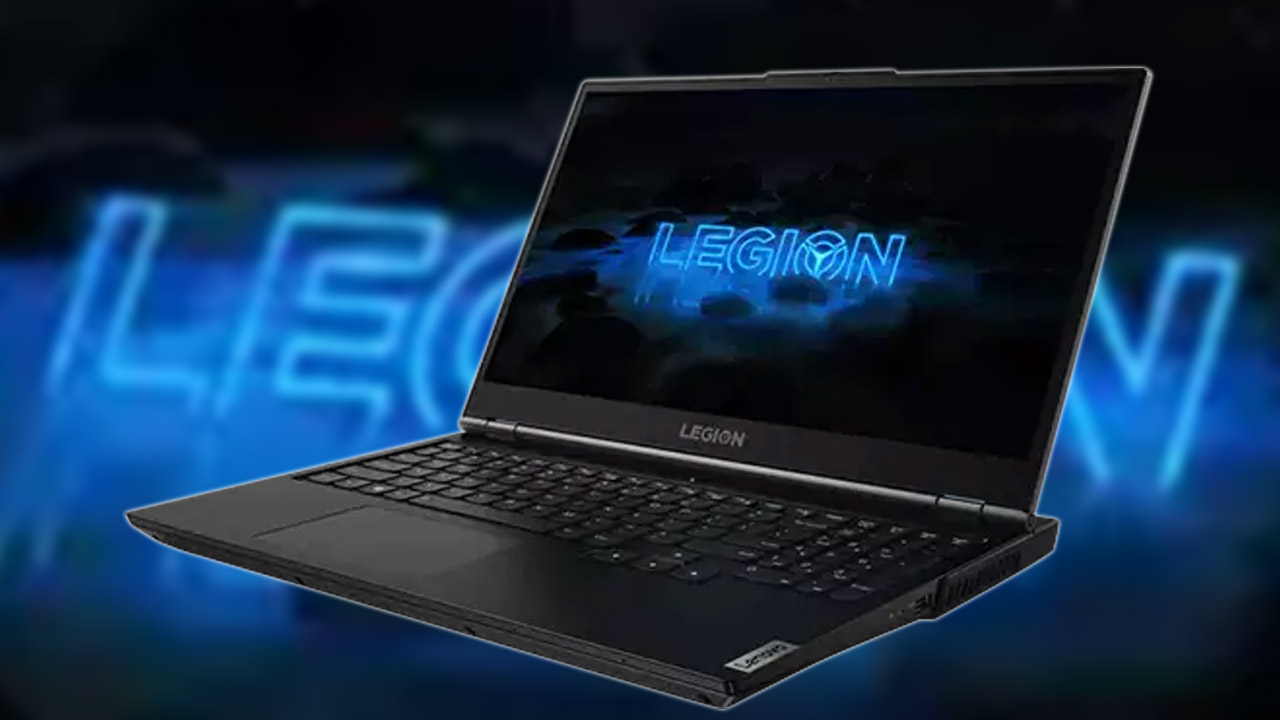

Lenovo Legion 5i laptop

(Image credit: Walmart)

Walmart’s Black Friday Deals for Days is a great source of ongoing deals right now. You should definitely browse the whole sale if you want some more ideas. Walmart has sort of turned all of November into Black Friday for them by featuring some huge sales each weekend leading up to the major event weekend. 

You may not have to search for much though because this laptop may be all you need. The Legion 5i is a powerful computer. It is loaded with an Intel Core i5-10500H processor, 8GB RAM, and a 256GB solid state drive. It also has a Nvidia GeForce RTX 3050 graphics card for gaming. You’ll be able to put that GPU to work and make your games look good on the 15.6-inch display with 1080p pixel resolution and a very high 240Hz refresh rate. 
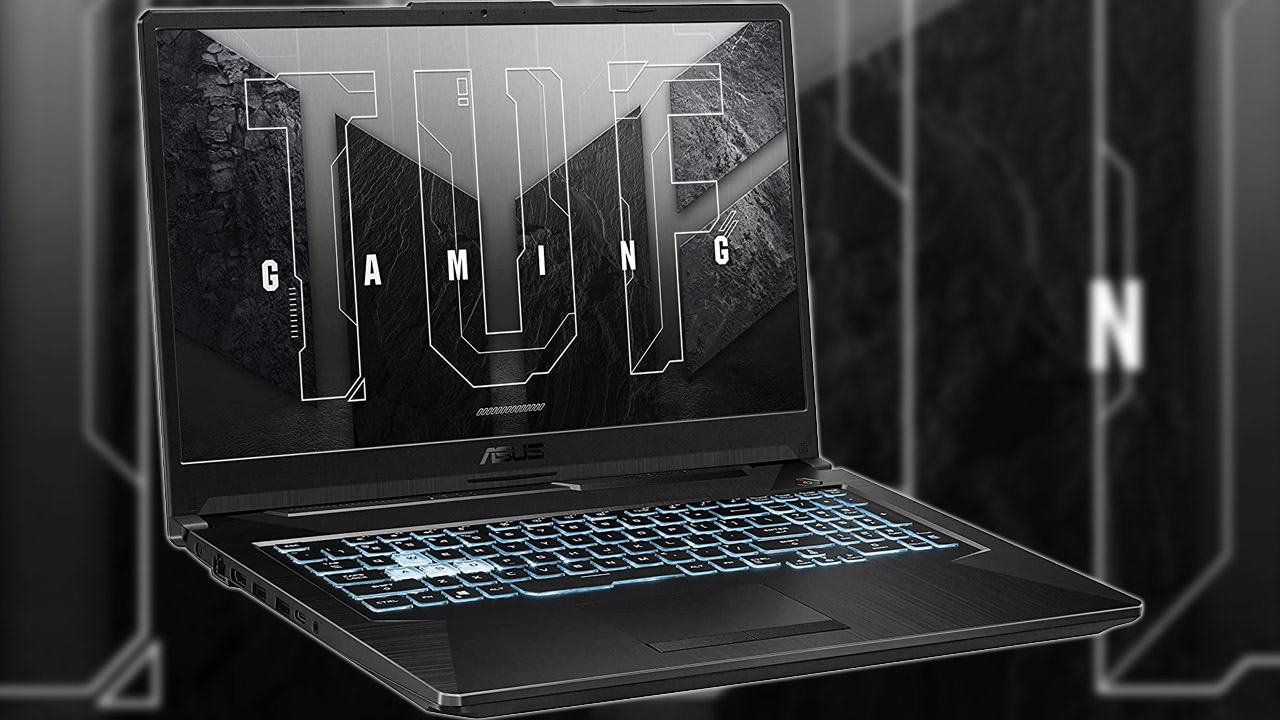

ASUS TUF gaming laptop

(Image credit: Amazon)

Here’s a deal that’s part of Amazon’s early Black Friday sale. You can save up to 22{b7c9e2c88beb1a84f22d94ab877a147f4adc4b3519717f3f957a0f34e16918d1} on this laptop, but you should know there’s a limited quantity available. It may not last long at this price. 

The basic technical specs include an Intel Core i5-11400H processor, 8GB RAM, and a 512GB solid state drive for storage. It’s also powered by a Nvidia GeForce RTX 3050 graphics card, which you can use for some intense gaming thanks to the laptop’s 17.3-inch display with 1080p pixel resolution and 144Hz refresh rate. Other features include Wi-Fi 6, Bluetooth 5.2, an RGB keyboard, and even a 30-day free trial to PC Game Pass so you can play all the games you want.
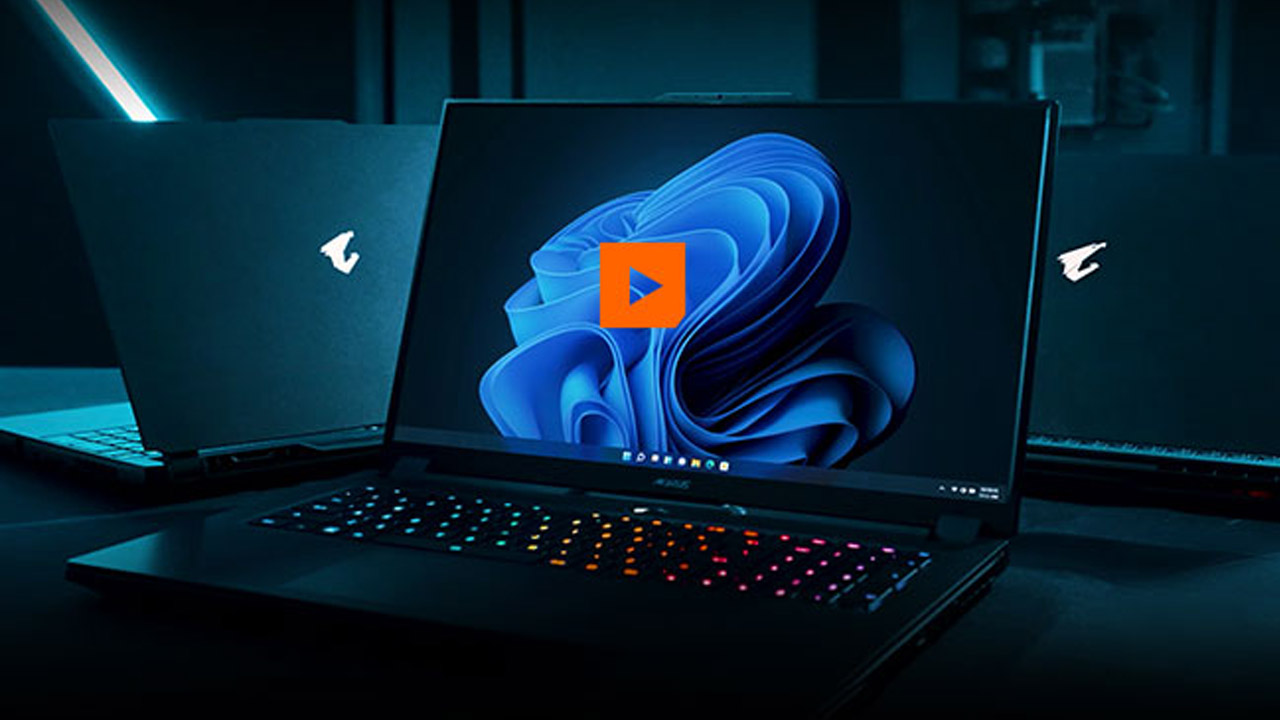

Gigabyte Aorus gaming laptop

(Image credit: Aorus)

This deal comes from antonline, a respected eBay seller that often has a lot of great deals on computers and accessories. We recommend them often, especially when they have great prices like this. 

The Gigabyte Aorus is a fantastic laptop that’s equipped with a Nvidia GeForce RTX 3070 graphics card. That’s important because its 15.6-inch display has a refresh rate that can reach 360Hz. Your games are going to look and feel fantastic, and the laptop has the power to back it up with an Intel Core i7 CPU, 16GB RAM, and a 512GB SSD.
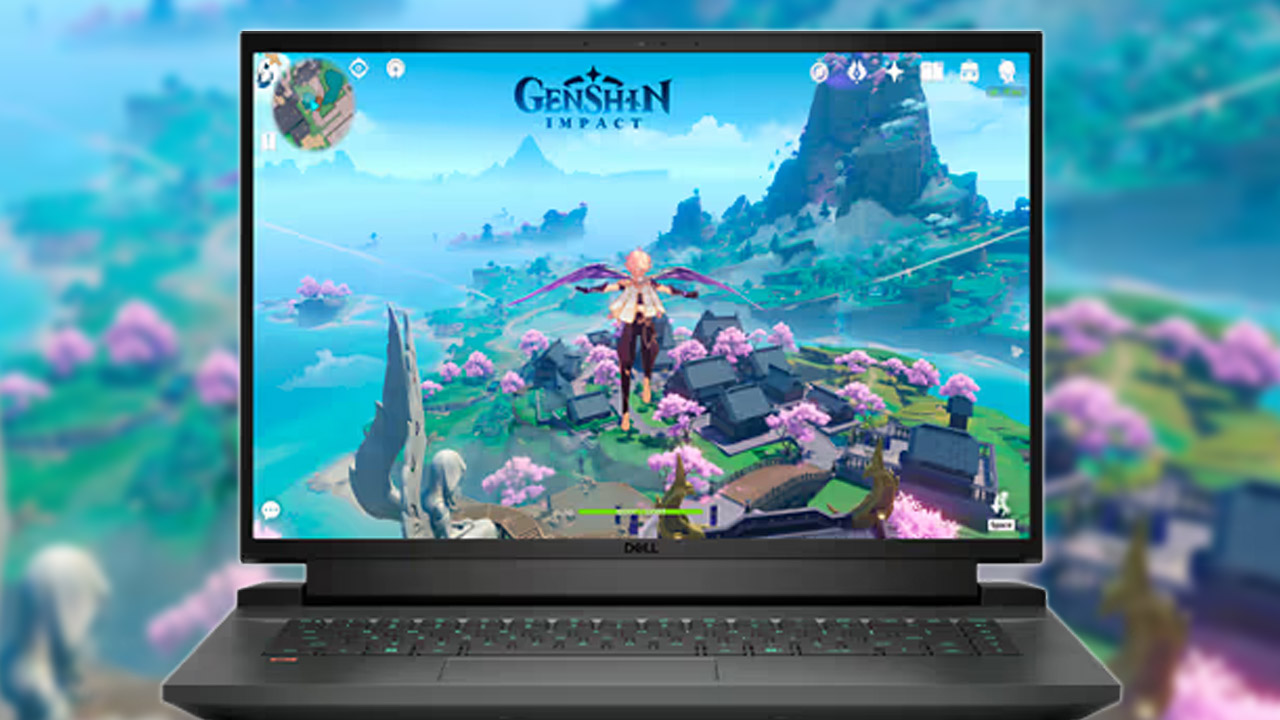

Dell G16 laptop

(Image credit: Dell)

The G16 is a relatively new entry from Dell, which means this laptop has a lot of modern features including some of the latest tech. In this case, the laptop includes a 12th-gen Intel Core i7 processor with up to 4.7GHz speeds, 16GB DDR5 4800MHz RAM, and a 1TB SSD with NVMe tech for fast read and write times. It’s also powered by a Nvidia GeForce RTX 3060 graphics card.

Not only will you be able to play your favorite games, but they will look great on the 16-inch display that has 2560 x 1600 pixel resolution and a 165Hz refresh rate. Dell laptops also come with Thunderbolt 4 USB-C ports along with several other USB ports.
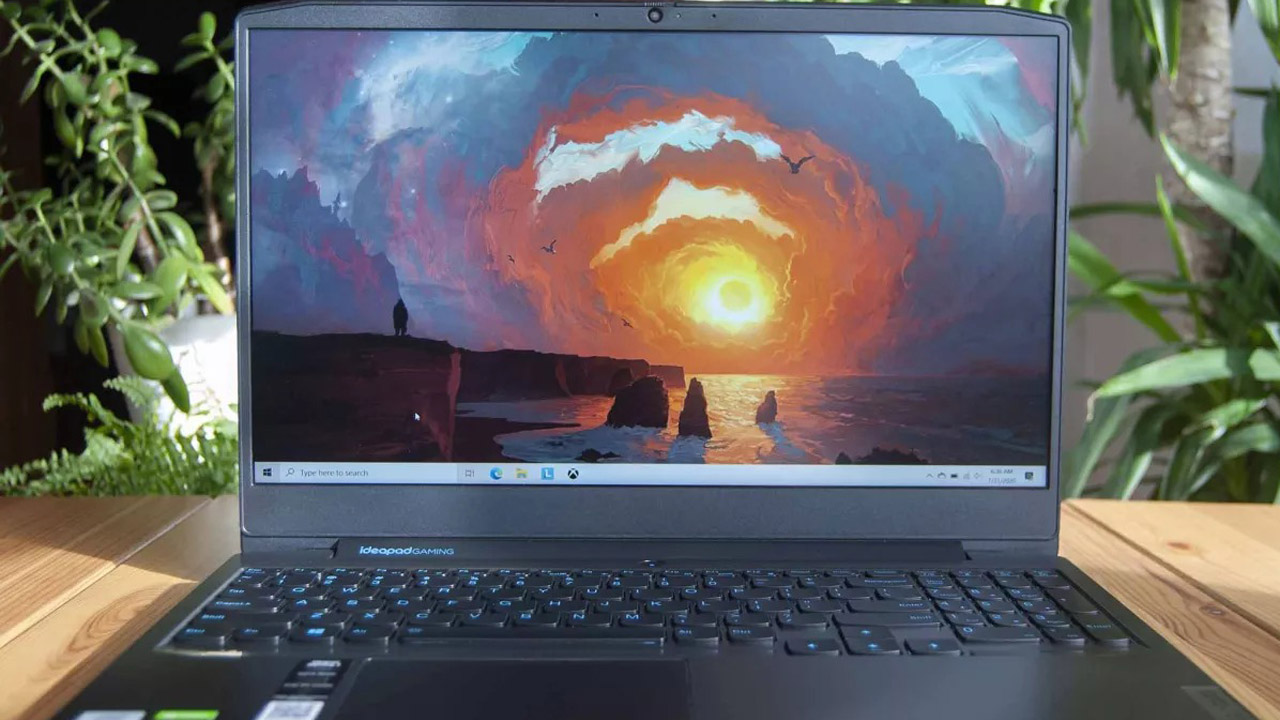

Lenovo IdeaPad Gaming 3i

(Image credit: Windows Central)

We have reviewed the Lenovo IdeaPad Gaming 3i, so be sure to get all the information you could possibly need about this gaming machine. It’s a great device, and this one in particular comes loaded with great features. 

The technical specs include a 12th-gen Intel Core i5 processor with up to 4.50GHz speeds, 8GB RAM, a 256GB PCIe 4.0 solid state drive, and a Nvidia GeForce RTX 3050 Ti graphics card. The best part about this machine is the 15.6-inch display that includes an IPS panel, 1080p pixel resolution, and a 120Hz refresh rate that’s great for gamers.

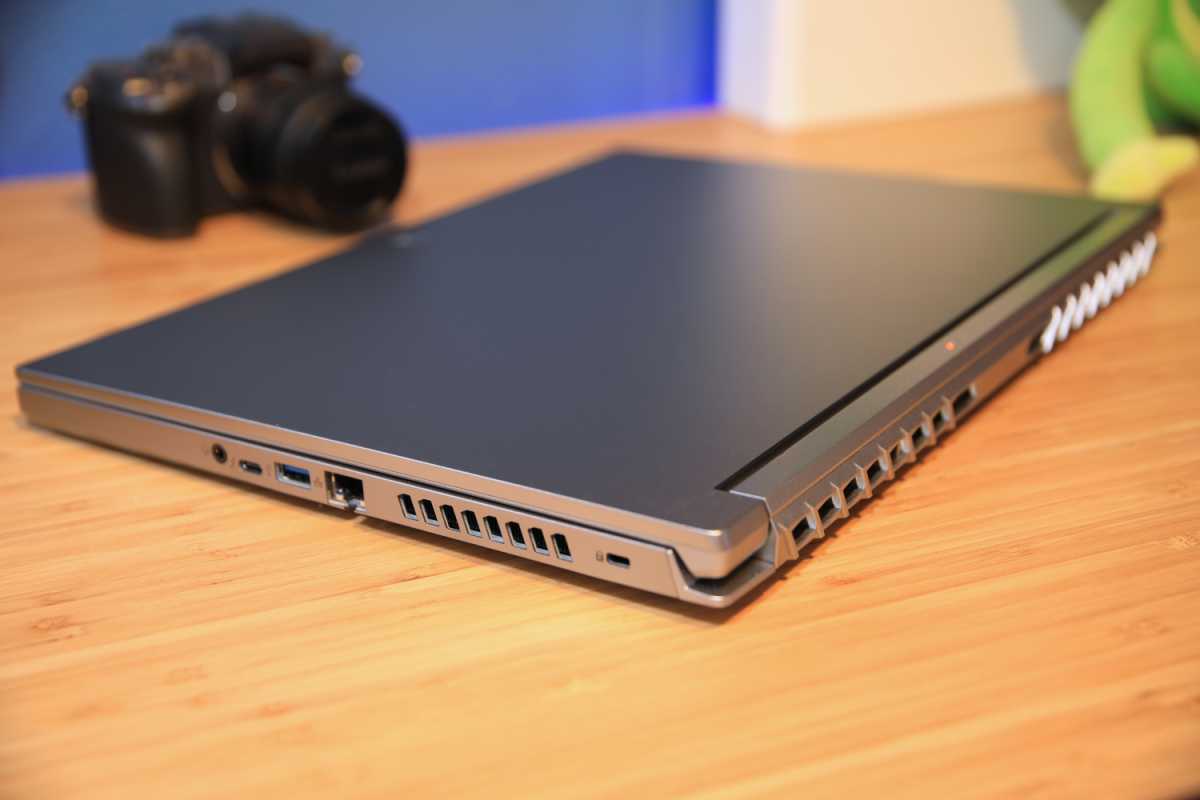
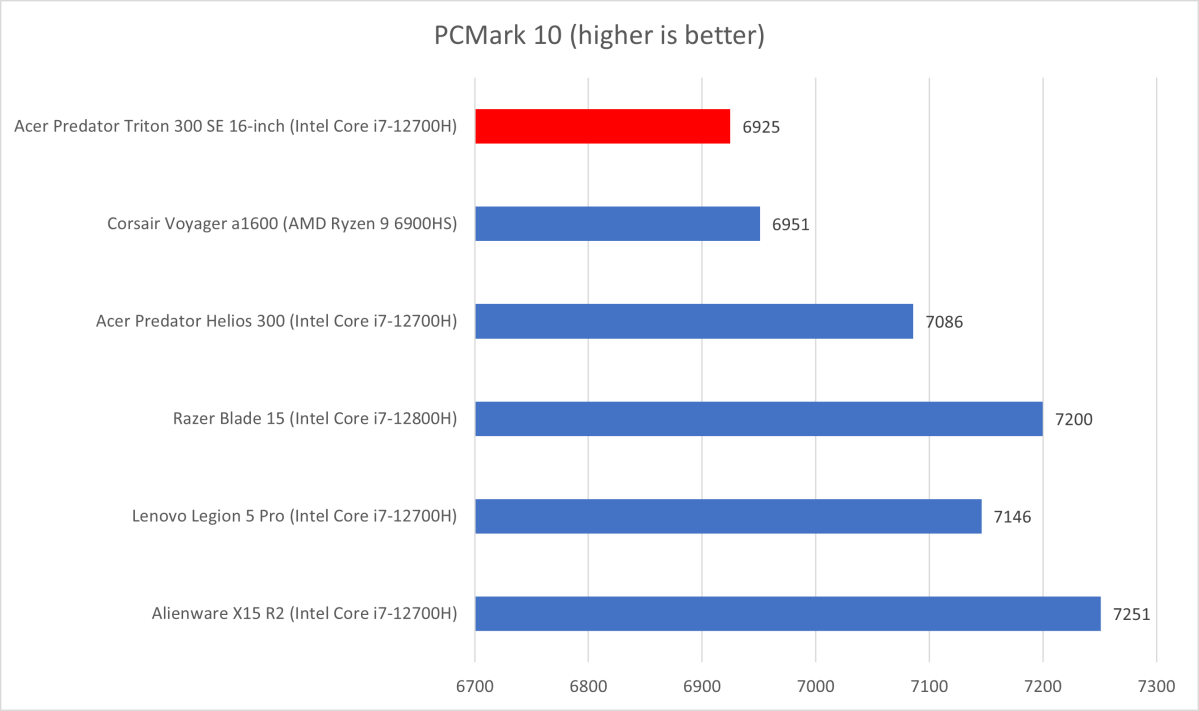
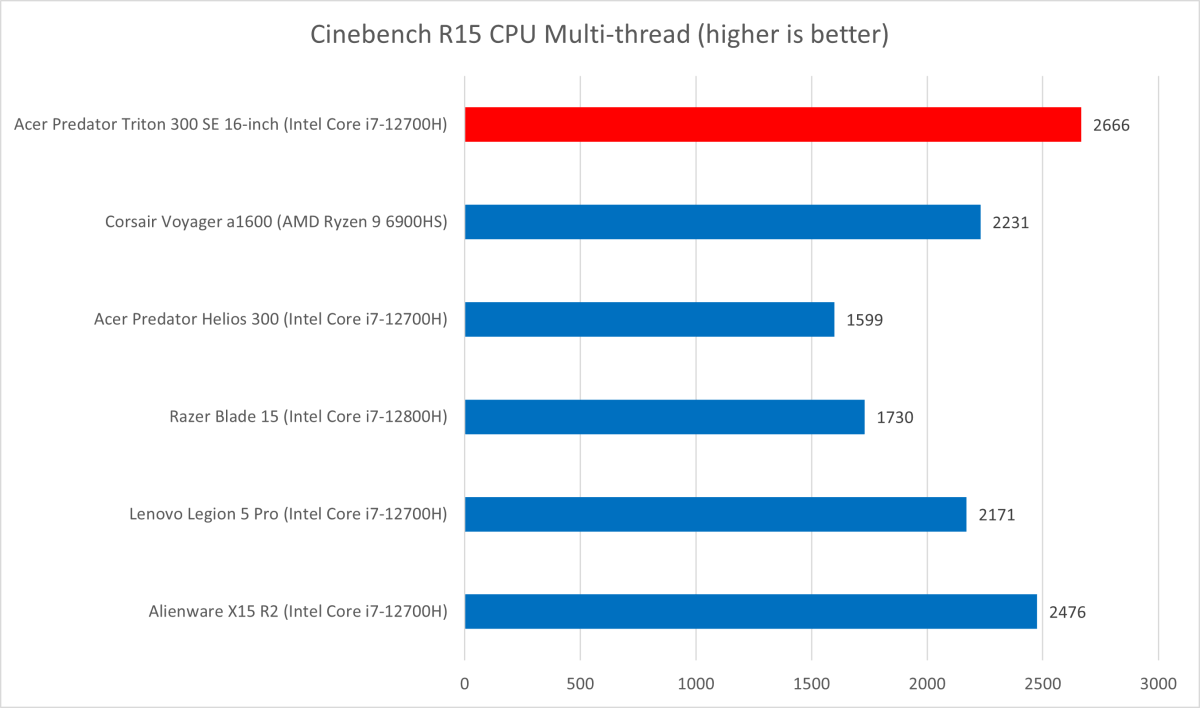
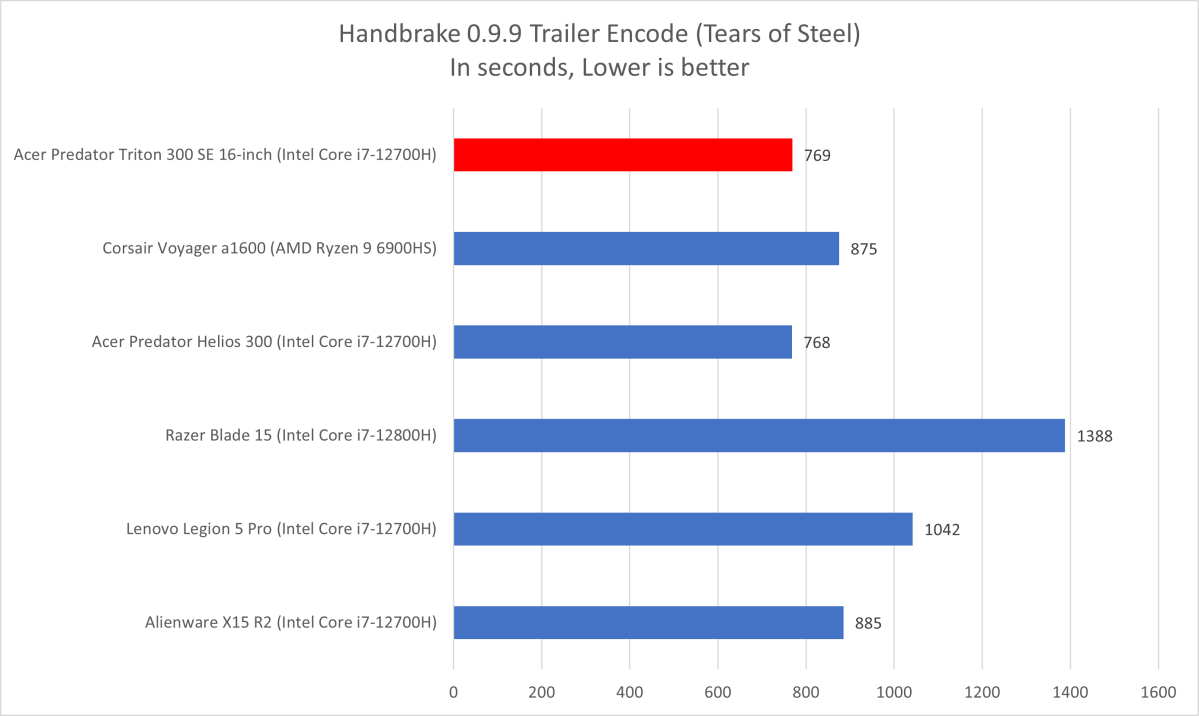
Acer Predator Triton 300 SE review: Ready for work or play

Acer Predator Triton 300 SE review: Ready for work or play

RTX 3070-powered Asus TUF Dash F15 drops to US$999 in latest gaming laptop sale

RTX 3070-powered Asus TUF Dash F15 drops to US9 in latest gaming laptop sale
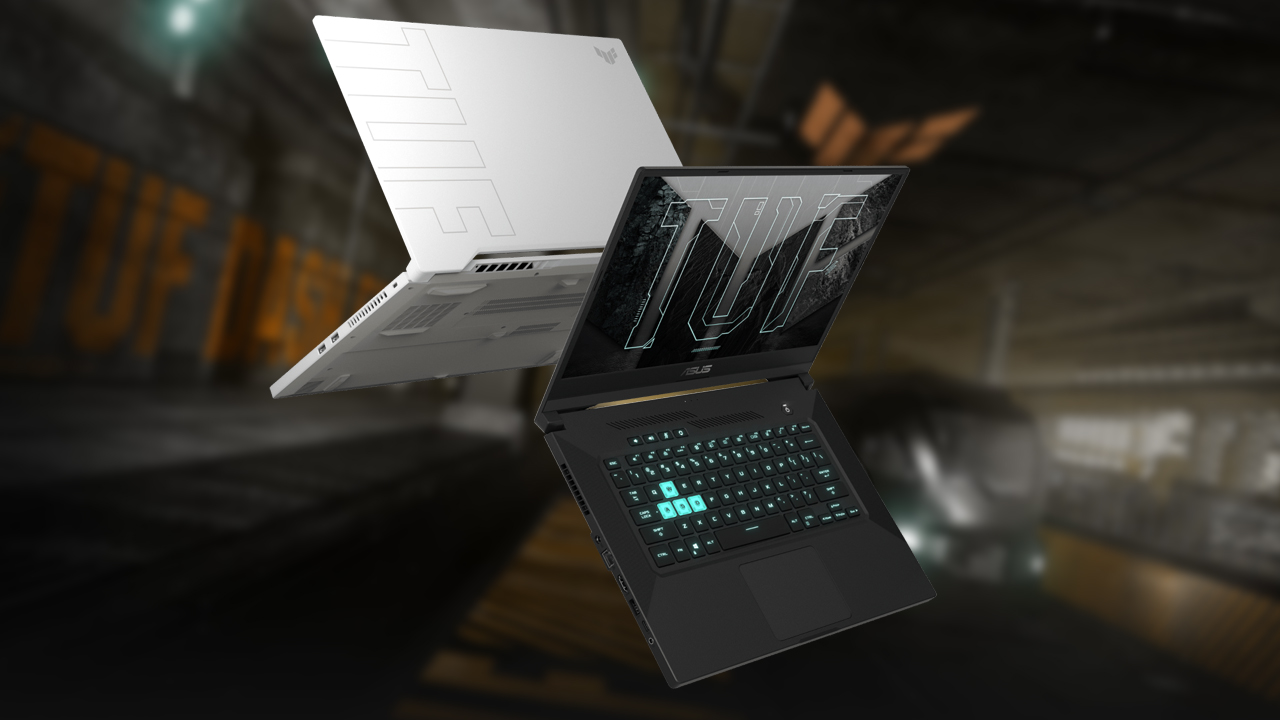
Best Buy has an intriguing deal for the RTX 3070 configuration of the Asus TUF Dash F15 gaming laptop (Image: Asus)

The well-performing gaming laptop made by the reputable Taiwanese manufacturer is currently discounted by a notable US$500, which makes the Asus TUF Dash F15 one of the most affordable gaming laptops with an RTX 3070 on the market.

The US$1,000 mark is an important threshold for many prospective buyers who don’t like to spend a four-figure sum on their new gaming laptop. Since most machines in this price range are equipped with reasonable dedicated graphics cards like Nvidia’s RTX 3060, a current deal for the Asus TUF Dash F15 is particularly noteworthy since the 15-inch gaming laptop is powered by the more powerful GeForce RTX 3070.

Once again it’s the well-known US retailer Best Buy, which currently offers the aforementioned Asus TUF Dash F15 gaming laptop with the fast Intel Core i7-12650H Alder Lake processor and an Nvidia GeForce RTX 3070 dGPU with a relatively low TGP of 105 watts for a discounted sale price of just US$999 including free shipping or store pickup where stock permits. This configuration of the Asus TUF Dash F15 also comes with 16GB of DDR5 memory and a decent 512GB SSD of the PCIe 3.0 variety. The mid-range gaming laptop further has an official list price of US$1,500, which means that this deal offers US$500 or 33 percent in savings.

We throughly tested a fairly similar QHD model of the Asus TUF Dash F15 earlier this year, and prospective buyers might want to check out our comprehensive video review on Notebookcheck’s revitalized YouTube channel. Among other things, we liked the compact and light design of this gaming laptop, but we also praised the Thunderbolt 4 connectivity as well as the second available M.2 SSD slot which makes storages upgrades extremely easy. As with many gaming laptops in this price range, the most glaring weakness of the Asus TUF Dash F15 may be its relatively dim 250-nits FHD display, which at least has a high native refresh rate of 144Hz. Overall, this is still a decent deal for bargain hunters who are particularly looking for an RTX 3070-powered machine for less than US$1,000.

Buy the Asus TUF Dash F15 on sale for US$999 at Best Buy

Disclaimer: Notebookcheck is not responsible for price changes carried out by retailers. The discounted price or deal mentioned in this item was available at the time of writing and may be subject to time restrictions and/or limited unit availability.

Please share our article, every link counts!

.170

HP Victus 15 review: an $800 laptop that can game

HP Victus 15 review: an 0 laptop that can game

I have been searching far and wide for a budget gaming laptop that I could recommend for shoppers looking in the sub-$800 range. I was hoping and praying that the HP Victus 15 — which has been one of Best Buy’s most popular products this year — would be it.

My takeaway, having been gaming on the Victus ($799.99 for my Core i5/8GB/512GB/GTX 1650 model) for the past few days, is that it’s not the slam dunk I hoped it would be. The low price is quite attractive (and will be even more so if you can find it on sale), but the dated GPU inside our test model is not delivering the frame rates that I’d hope to see from a modern gaming laptop. That doesn’t mean that the Victus is a unilaterally bad purchase — just that, as is often the case with budget gaming laptops, you should go in with realistic expectations.

The Victus has an unobtrusive design. My review unit is almost entirely black with modest backlighting and a simple “V” on the lid (which, as you may notice in the photos, picked up a mess of fingerprints quickly). It’s more of a “could bring to the office” device than a “chaotic mess of RGB that will not leave the basement” device. At 5.06 pounds, it’s fairly portable (for a gaming laptop) but certainly not a lightweight device.

Ports include most of what you’ll probably need — two USB-A, one USB-C, one audio jack, one HDMI 2.1, one Ethernet, and one full-sized SD reader in addition to the charging port. There’s no Thunderbolt 4, which is worth noting (even though Thunderbolt 4 isn’t a requirement at this price point). My one note about the chassis is really the touchpad. Not only does it pick up fingerprints easily, but it has quite a stiff click.

Ports include most of what you’ll probably need

Of course, this is a gaming laptop, and the gaming performance is what matters. I would call my results in that area “acceptable” for the GTX 1650 inside. You can certainly game on this thing, but I don’t see the bang for your buck as exceptional here.

The HP Victus 15 open on a wooden table seen from above.

Screen was a bit dim, maxing out at 235 nits.

Lighter titles like League of Legends and CS:GO easily maxed out the Victus’ 144Hz screen. Overwatch 2 got up there after I bumped the graphics down to medium (and still achieved a respectable 78fps on the Epic preset).

But heavier fare gave the Victus more trouble, and I would recommend that you look for a better GPU if you plan to play these titles often. Red Dead Redemption 2 only averaged 38fps at its highest preset and 45fps at medium. Cyberpunk was a rougher ride, averaging only 39fps at medium and 24fps at ultra. The good news for RPG fans is that the Victus 15 can run Elden Ring at around 45fps at maximum settings, and bumping down to medium got me to 60.

And then there’s the ever-looming matter of battery. The lifespans we’ve been getting from this generation of Intel gaming laptops haven’t been great, and this Victus is no exception. I averaged just two hours and 19 minutes of regular work use with brightness around 200 nits and Battery Saver on. You can expect less when you’re gaming — I got an hour and 13 minutes of League of Legends play to one charge, playable the entire time.

I know many people don’t intend for their gaming laptop to leave their desk, but I do think a two-hour battery life will rule this device out as a primary driver for some users. You may not be able to make it through a full movie, let alone a work day, without the charger in tow. For price-sensitive shoppers, buying a secondary portable device for non-gaming use cases may not be realistic — so I do see this battery life as a problem.

The HP Victus 15 open on an office table.

It’s a decent device, but $100 more will get you much further.

The HP Victus 15 is an $800 laptop that can game

Ultimately, the HP Victus 15 is an $800 laptop that can game. That fact alone is enough to recommend it to some degree (again, especially if you see it on sale).

But it is worth considering a few alternatives. For example, the Victus 15 with an RTX 3050 (which we’d expect to deliver a better experience on those AAA titles) MSRPs for $969 but is on sale for $697 as of this writing. Acer’s staple Nitro 5 with that RTX GPU is currently available for $899 (just $100 more than my test model), as is Dell’s G15 with an even more powerful RTX 3050 Ti. My point is that if you can pay just $100 more, can find a good discount, or are willing to buy used, there are all kinds of options available for close to this price that can really nail AAA games.

At the end of the day, this is a budget laptop with budget laptop frame rates — and if you’re in a position to do so, you can get much more gaming power for not too much more money.

Photography by Monica Chin / The Verge

HP Victus 15 Accessibility

  • The letter keys are 0.6 x 0.6 inches with 0.06 inches between them. All keys are backlit. Caps Lock, Power, F11/touchpad, and F5/microphone have indicator lights. The power button and volume keys are 0.6 x 0.2 inches. The keys are grey with white text and take a small amount of firm force force to depress.
  • The speakers reached an average of 75 decibels in my testing.
  • The lid can be opened with one hand. It can be tilted back to 140 degrees.
  • The screen is 15.6 inches with a 1920 x 1080 resolution. It reached an 1190:1 contrast ratio in my testing. There is a touchscreen.
  • The touchpad is 4.9 x 1.2 inches and takes firm, dedicated force to depress.
  • Setup involves turning the device on and clicking through several menus.
  • The Victus does not support fingerprint or facial logins.

Windows 11

  • Windows 11 includes a dedicated accessibility menu.
  • Windows 11 includes a built-in screen reader (Narrator). It supports third-party screen readers including NVDA from NV Access and Jaws from Freedom Scientific. A full list of compatible software can be found on Microsoft’s website.
  • Windows 11 supports voice typing (accessed by Windows + H) and speech recognition (toggled with Windows + Ctrl + S).
  • Color Filters including inverted, grayscale, red-green, and blue-yellow can be toggled with Windows + Ctrl + C. Contrast themes are toggled with Alt + Left Shift + Print Screen. Standard Dark Mode and custom colors are also available under Personalization.
  • Caption color and size can be customized and appear close to the bottom of the screen.
  • The keyboard can be remapped with Microsoft’s PowerToys. Sticky Keys is supported. An on-screen keyboard is available.
  • The cursor’s size and speed can be adjusted and gestures can be remapped in Touchpad Settings.
  • Windows 11 supports eye control with external eye trackers.
  • Windows 11 includes a Snap Layout feature, accessed by hovering over the Maximize button on any open window.

2023 CrossFit Games Season Updates

2023 CrossFit Games Season Updates

As we look forward to the new year, many of us may be thinking about end-of-year festivities and fun gatherings that bring people together. And we want to give you one more exciting thing to talk about as you meet up with your friends from the gym to ring in 2023: how you’re going to plan your training schedule and set your goals for the 2023 NOBULL CrossFit Games season. We’re releasing the season details earlier this year so you can plan with confidence and put your best foot forward in the year ahead.

By participating in the Games season, training hard and accepting the challenge, we show what’s magic about our global community. We share CrossFit with more people who hear, watch, and experience what this community is doing — from the first-place finisher to the last — and every year that leads to new people joining this awesome community. 

The magic of CrossFit is never more fully on display than in CrossFit gyms during the Open, when hundreds of thousands of people surprise themselves and each other with what they’re able to accomplish as a result of their training. This is the magic that not only fuels a whole year of training and continued growth but can transform lives. During the Open, CrossFit affiliates everywhere celebrate hard workers and challenge chasers, some of whom will make it all the way to the CrossFit Games.

We can’t wait, and in 2023, we’re taking steps to improve the CrossFit Games season. If you shared your feedback on the 2022 season with us, thank you; it led to some important changes that we think will strengthen the Sport of Fitness in 2023 and the years ahead. 

Those changes, along with other important details and dates, are outlined below. We’ll share more information over the next few months. Check back for additional updates.

The Flow of the Season

Everyone’s competition season will start with the worldwide Open. From there, the competition season for the individuals, teams, and age-group athletes will follow the same format, progressing through Quarterfinals, Semifinals, and finally, for a select few, the CrossFit Games. Stay tuned for additional news about the adaptive competition season in 2023 and beyond.
 

2022 CrossFit Games

Photo by Meg Ellery

Big-Picture Updates

New Competition Map: Athletes will compete in regions based on their country of citizenship, starting with the Open and carrying on through the Quarterfinals and Semifinals. The most notable change to the map for individual and team athletes is the division of North America into two competition regions. This eliminates the need for a seeding process during Semifinals. As soon as you register for 2023, you will know your competition road map from the Open to your designated Semifinal.
 

2023 Season Map

Standardized Programming: CrossFit will standardize and program all tests for the entire season, including all of 2023’s Semifinal tests.

Advancing From the Semifinals to the Games: There will be a baseline number of Games-qualifying spots for each Semifinal. In lieu of the Last-Chance Qualifier, the final Games-qualifying spots will be allocated from the Semifinals according to a ranking system. More details coming soon.

Team Eligibility: All team athletes will be required to individually perform the Open tests from their affiliate. After the Open, teams will then select six athletes (four competing members and two alternates) who will compete in the Quarterfinals, Semifinals, and Finals together. That six-person team is locked for the season.

Updates to the Adaptive Competition: There will be new eligibility requirements to compete in the adaptive competition. More information will be shared soon.  
 

2022 CrossFit Games

Photo by Johany Jutras

Key Updates by Competition Stage 

Here is a breakdown of key updates for each stage of competition. 

The Open

  • The CrossFit Open will take place over three weeks, from Feb. 16 – March 6. 
  • Athletes must complete the Open workouts at an affiliate (and have scores validated by the affiliate manager) or submit a video. Now that pandemic restrictions are no longer in place in most areas around the world, we are inviting athletes to return to affiliates to complete their workouts. Registered judges will no longer be able to validate scores in place of affiliate managers.
  • Adaptive athletes will have the option to scale Open workouts, modifying the workout based on their ability. 
     

CrossFit Ballito

CrossFit Ballito | Photo by Mark McDermot

Quarterfinals 

  • 10{b7c9e2c88beb1a84f22d94ab877a147f4adc4b3519717f3f957a0f34e16918d1} of individuals and athletes in each age group and 25{b7c9e2c88beb1a84f22d94ab877a147f4adc4b3519717f3f957a0f34e16918d1} of teams will advance from the Open to the Quarterfinals. 
  • This year, the Team Quarterfinal and Age-Group Quarterfinal will be held during the same week. Each competition will have two 24-hour score submission windows instead of three. Teams will compete Wednesday through Friday, and age-group athletes will compete Friday through Sunday. 
  • Athletes are welcome to compete in any Quarterfinal they have qualified for and may compete in multiple Quarterfinal competitions. For example, athletes who qualify for both the Age-Group and Individual Quarterfinals may compete in both. 

Important dates:

  • Individual Quarterfinal: March 16 – 19 ONLINE
  • Team Quarterfinal: March 29 – 31 ONLINE
  • Age-Group Quarterfinal: March 31 – April 2 ONLINE

2022 Quarterfinals

Photo by @sierra_prime

Semifinals 

  • The top 30 in each age group from Quarterfinals advance to the online Semifinals. 
  • The top individual athletes and teams will advance to one of seven in-person Semifinals around the world. 
     

Region # of Individuals Advancing # of Teams Advancing
North America East 60 men/women 40 teams
North America West 60 men/women 40 teams
Europe 60 men/women 40 teams
Asia 30 men/women 20 teams
Africa 30 men/women 20 teams
Oceania 30 men/women 20 teams
South America 30 men/women 20 teams

Sixty men, 60 women, and 40 teams will be invited to compete at North America East, North America West, and the Europe Semifinal. Thirty men, 30 women, and 20 teams will be invited to compete at each of the Semifinals in Africa, Asia, Oceania, and South America. 

There will no longer be a seeding process for Semifinals. Instead, athletes will know when they register for the Open which Semifinal competition they may qualify for should they reach that stage.

  • CrossFit will standardize and program all tests for Semifinals. 
  • CrossFit will operate all the Semifinals in the U.S. (2) and Europe (1).
  • CrossFit will partner with organizers to operate the Semifinals in Africa, Asia, Oceania, and South America. 
  • Individual athletes and teams from the same affiliate will compete at the same Semifinal.
  • Each Semifinal competition will receive a minimum designated number of Games-qualifying spots. 
  • Additional spots for the CrossFit Games Finals will then be allocated from the seven Semifinals according to their respective strength of field. 
  • There will not be an additional online Last-Chance Qualifier stage of competition. 
  • With a minimum number of Games-qualifying spots guaranteed at each Semifinal, the total number of athletes invited to the CrossFit Games will stay at 40, the same as last year. 

Important dates:

  • Age-Group Semifinal: April 28 – 30 ONLINE
  • Individual and Team Semifinals: May 18 – June 4 (3 weeks) IN PERSON

Marquan Jones

Marquan Jones at the 2021 Mid-Atlantic CrossFit Challenge | Photo by @flsportsguy

The CrossFit Games 

  • The CrossFit Games will use a six-day format from Tuesday, Aug. 1, through Sunday, Aug. 6. 
  • The total number of Games spots will be the same as before.
     

2022 CrossFit Games

Photo by Johany Jutras

What’s Coming up Next

Stay tuned to Games.CrossFit.com for more updates on the 2023 season, including the release of the Rulebook in mid-November, the beginning of Open registration, info about worldwide rankings, and news on updated eligibility requirements for competing in the adaptive divisions.

Check out 2023 season updates for the adaptive division HERE.

Why gamers should avoid the Windows 11 2022 update

Why gamers should avoid the Windows 11 2022 update

Update: Nvidia contacted us to affirm that it has fastened the trouble that was producing difficulties amongst its graphics cards and the Windows 11 22H2 update. In accordance to the statement, Nvidia users really should update GeForce Practical experience to version 3.26 BETA, instructions for which can be discovered on Nvidia’s website.

When you update Windows, there is often a opportunity something will occur to throw a wrench in the functions. This time, although, it looks like the Home windows 11 22H2 update is resulting in big issues for players outfitted with Nvidia graphics playing cards.

In accordance to a lot of posts across social media, Reddit, and Microsoft’s have assistance discussion boards, consumers are looking at visible drops in effectiveness although enjoying video games immediately after updating their pcs.

A man sits, using a laptop running the Windows 11 operating system.
Home windows 11

For occasion, person emay007 posted in the Home windows 11 sub-reddit indicating, “I just up-to-date to 22H2 and I am working with particularly unstable FPS in all my games. I have good specs for gaming and have earlier never viewed any issues (Ryzen 3600, 1070 TI, 16GB RAM). Online games are in essence unplayable.”

That was echoed by ChoPT, who stated, “I was acquiring really serious overall performance hitches, equally on the desktop and in particular in gaming (this fully broke Gsync as properly). Drops to ~30fps randomly from ~120, in non-graphically rigorous checks. Screen tearing like outrageous.”

Proper now, there isn’t an speedy correct. However, numerous consumers have claimed that rolling back the update mounted the issue for them. For now, that is just anecdotal proof however and might not operate for everyone.

The dilemma doesn’t feel to be impacting AMD or Intel GPU people, suggesting it could be similar to the way the Windows 11 update interacts with an Nvidia driver. That plan was seemingly backed up by Nvidia’s Software QA Manuel Guzman, who asked Reddit end users to fill in a driver suggestions variety so that Nvidia can discover what may possibly be going on. Hopefully, that will lead to a swift resolve remaining issued. For its portion, Microsoft has not yet issued a treatment.

It is not the initial Home windows 11 bug that has experienced a significant outcome on performance. We’ve seen AMD end users undergo comparable sport-draining problems, Windows 11’s TPM slowing down Ryzen CPUs, and File Explorer bugs that siphon off your memory.

If you are finding your video game functionality has experienced a weighty setback right after putting in the Home windows 11 22H2 update, you could want to roll again to the former variation and see if that will help. Regretably, there’s not considerably else to do but cling restricted and hold out for a take care of.

Editors’ Suggestions